
Minecraft Bedrock Shaders: Platform Limits and Safer Options
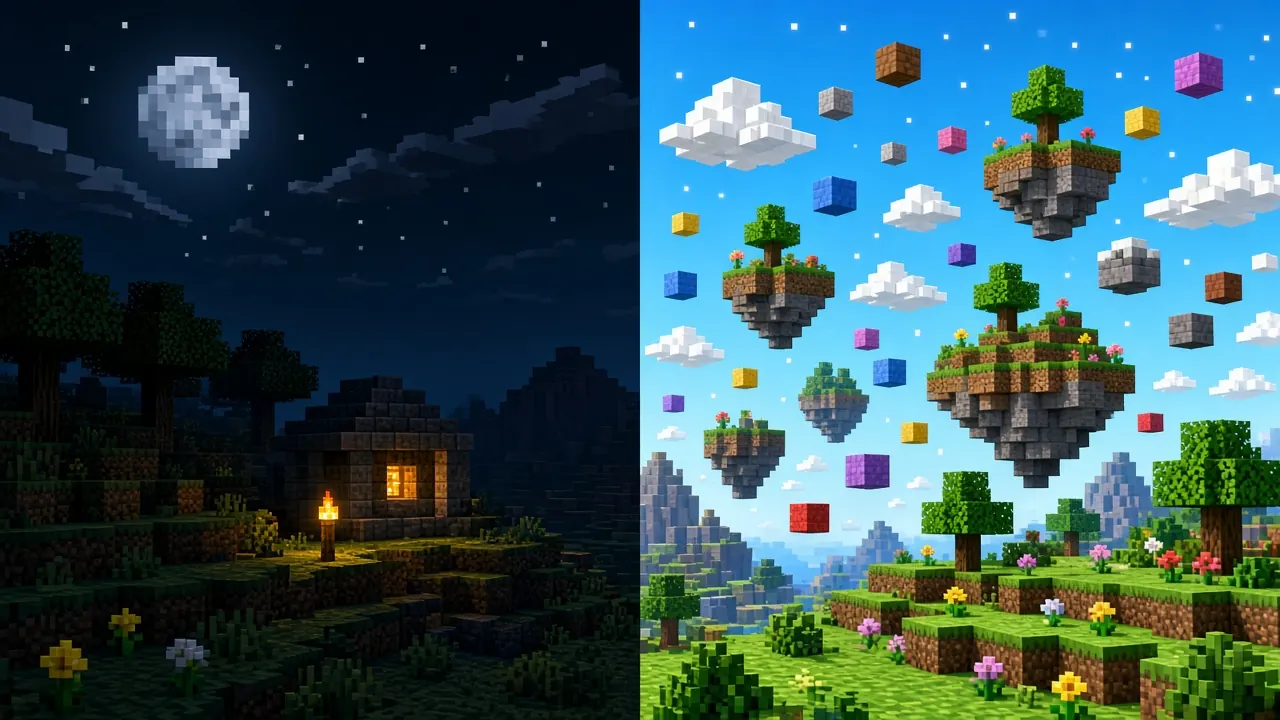
Players searching for “Minecraft Bedrock shaders” often expect Java-style OptiFine packs with dramatic lighting overhauls. Bedrock runs on a different rendering stack including RenderDragon on many devices and official options such as Vibrant Visuals so what you can install, and how far visuals can go, depends heavily on platform. This guide explains what “shaders” mean on Bedrock, where consoles hit hard limits, and how to evaluate packs without wrecking performance or security.
What “shader” usually means on Bedrock
On Bedrock, the word shader rarely means a single drop-in file like on Java. Most visual upgrades arrive as resource packs that retexture water, skies, foliage, and lighting response, sometimes paired with behavior or engine features the creator documents. Marketplace and first-party toggles may enable richer atmospheres without sideloading at all.
- Resource packs that adjust lighting, water, clouds, and color grading within Bedrock’s supported material model.
- Packs that require Vibrant Visuals or similar official graphics settings to look as advertised.
- On Windows only, community tools that inject RenderDragon pipelines unsupported on consoles and outside normal store policies.
If a preview video shows ray-traced Java footage, assume mismatch until the pack page explicitly lists Bedrock and your version.
Platform limits you cannot ignore
- Consoles (Xbox, PlayStation, Switch): Use Marketplace offerings and in-game graphics options. Local injector workflows and unsigned pack sideloading are not part of the supported console experience.
- Mobile (Android and iOS): GPUs and thermals vary wildly. Heavy water and shadow packs can throttle within minutes. Start with lightweight packs and lower render distance.
- Windows: Widest room for experimentation and the widest spread of repackaged downloads that bundle unrelated software. Treat unknown one-click installers as suspicious.
Cross-platform worlds amplify the gap: a pack that runs on your PC may be impossible for friends on console in the same Realm. Align expectations before making a pack mandatory for a group world.
Official graphics features vs community packs
Mojang continues to ship Bedrock-first visual upgrades tied to engine capabilities rather than arbitrary shader code. When a pack label says it needs Vibrant Visuals or a minimum engine version, enable those features in Settings → Video (exact names shift by release) before judging the result. Skipping that step makes legitimate packs look “broken” when they are simply waiting on the parent toggle.
- Note your full Bedrock version in Settings.
- Read the pack requirements for Vibrant Visuals, ray-tracing labels (Windows-capable hardware only), or experimental video options.
- Apply the pack on a test world, not your main survival save.
- Compare daytime, underwater, and night scenes many packs optimize for one but wash out another.
Safer evaluation steps
- Start from curated lists in our shaders directory and creator pages you already trust.
- Prefer Marketplace purchases when you want automatic updates and platform filtering.
- Import only
.mcpack/.mcaddonstyle Bedrock files not random executables promising “shader + fps boost.” - Test solo in a copy world; watch frame rate, device heat, and battery drain on portable hardware.
- Remove the pack cleanly before joining public servers; many networks ban visual advantages even if the pack is not a cheat.
For activation order conflicts with other textures, see activating resource packs and improving Bedrock performance when visuals cost too much FPS.
Performance and compatibility tips
- Lower render distance and turn off fancy bubbles or particles while testing heavy water shaders.
- Disable other global resource packs so you know which pack caused a crash.
- On Realms, remember every member downloads pack dependencies; huge HD packs hurt mobile joiners.
- After major Bedrock updates, re-test packs RenderDragon changes can silently revert custom water behavior.
Frequently Asked Questions
Why does my pack look like vanilla?
Missing Vibrant Visuals toggle, wrong Bedrock version, or the pack is Java-only marketing reposted for clicks.
Can I use Java shader ZIPs?
No. Java resource formats and pipeline hooks do not import into Bedrock.
Are Windows injector tools safe?
They bypass normal support channels, may break after updates, and frequently appear on mirror sites with malware. We do not treat them as general-purpose recommendations.
Conclusion
Bedrock “shaders” are resource-driven and platform-bound: consoles stay inside official and Marketplace paths, mobile needs restraint, and Windows users should favor verified Bedrock packs over Java nostalgia or risky installers. Match version and video settings, test in isolation, and prioritize stable FPS over screenshot bait. When visuals are not worth the cost, lighter texture packs from our texture pack directory often deliver clearer ores and UI without fighting the engine.