
How to Use Seeds in Minecraft Bedrock
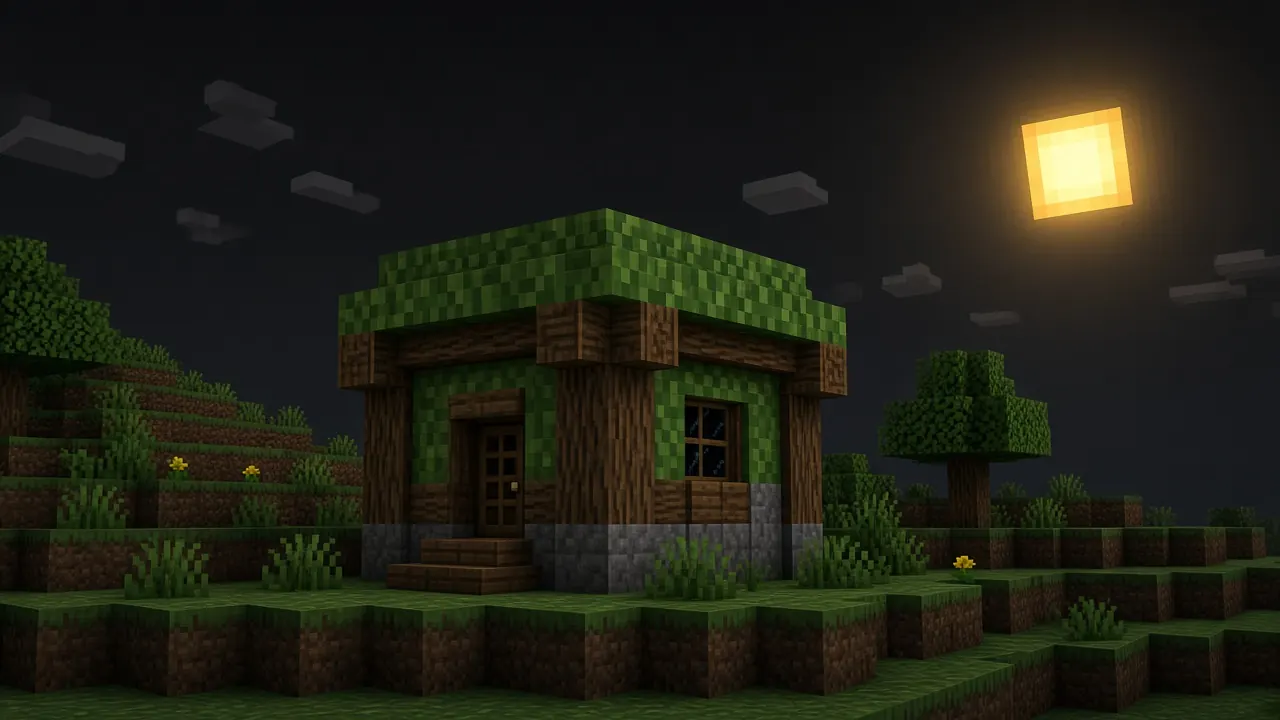
A Minecraft Bedrock seed is the number (or text) that initializes world generation. Enter the same seed on the same edition and version and you should see the same biomes and structures but major generation updates can shift rivers, villages, and ore distributions even when the seed string matches. This guide shows how to enter seeds on new worlds, verify landmarks before you commit hours of survival, share seeds responsibly, and find the seed of worlds you already own.
Enter a seed when creating a world
- From Play, choose Create New World.
- Open world settings and locate the Seed field on some layouts it sits under Advanced or More Options.
- Paste or type the seed exactly, including negative signs and letters for text seeds.
- Set world type to Infinite (default survival generation). Flat, old limited, and some template worlds ignore seeds differently.
- Adjust other options you care about (bonus chest, experiments) before tapping Create changing some toggles after the fact requires a new world.
- Load the world and note coordinates of promised landmarks with the in-game map or coordinates display.
Browse labeled entries in our seed directory and cross-check the listed Bedrock version before expecting identical screenshots.
Verify before committing survival time
Seed hype spreads faster than version tags. Treat every share as a hypothesis until you confirm it locally.
- Create a creative copy first and fly to claimed villages, spawns, or geodes.
- Record your exact Bedrock version string next to any seed you post for friends.
- Compare structure types (pillager outpost vs village) rather than single-block coincidences.
- Do not trust cropped screenshots from unknown sources without re-testing many are Java worlds or older Bedrock builds.
For coordinate math when a guide says “200 blocks east of spawn,” use finding coordinates and the coord calculator.
Seeds after world generation updates
Mojang periodically rebalance terrain. A seed that produced a mushroom island at spawn in 1.17 may spawn you in a different biome after a Caves and Cliffs or Trails update. That is not user error document which game version produced your tour.
- When updating Bedrock on a long-term world, expect new chunks to follow new rules while old chunks stay carved.
- For fresh speedruns or build videos, regenerate a test world on the current version before filming.
- Share seeds with version prefixes in titles, for example “Bedrock 1.26.x spawn island village.”
Finding the seed of an existing world
On worlds you own locally, open world settings or game settings and look for the seed field when the UI exposes it availability varies by platform and whether cheats were enabled at creation. On Realms you control, owners with appropriate permissions can often read world settings similarly. On multiplayer servers you do not administer, ask staff; there is no legitimate in-browser tool that derives seeds from public IPs.
- Enabling cheats mid-world may lock or alter seed visibility check before toggling on a trophy world.
- Exported
.mcworldfiles carry the world; re-import on another device and inspect settings there if the field hid on mobile. - Backup before experimenting see backing up Bedrock worlds.
Using seeds with friends and Realms
- Agree on game version and experimental toggles before generating a shared Realm seed.
- Behavior packs that change structure generation override vanilla seed promises disable packs for pure vanilla tests.
- Speedrun communities maintain separate Bedrock categories because patch drift is expected, not scandalous.
Explore curated lists on best Bedrock seeds when you want starting points with notes rather than random numbers.
Tips for sharing seeds publicly
- Include spawn coordinates and direction to landmarks, not just the seed string.
- Mention if the world uses marketplace templates layered on top of custom seeds.
- Clarify infinite vs flat flat seeds confuse readers searching for survival islands.
Frequently Asked Questions
My numeric seed looks different from a friend’s text seed.
Bedrock accepts both; leading zeros and capitalization in text seeds matter. Convert carefully when copying from videos.
Same seed, different biomes on Switch and phone.
Compare versions and ensure both worlds are infinite with matching experimental features.
Can I change a world’s seed later?
Not without new world creation. Use structure blocks or creative cloning if you only need a small schematic, not whole-terrain regen.
Conclusion
Bedrock seeds are powerful when paired with version honesty: enter them at world creation, verify in creative, and label shares with the build that produced your screenshots. Generation updates will shift results over time plan refreshes instead of arguing about “fake” seeds. When a number delivers the spawn you wanted, export a backup early so luck survives the first creeper.