
How to Understand Behavior Packs and Resource Packs
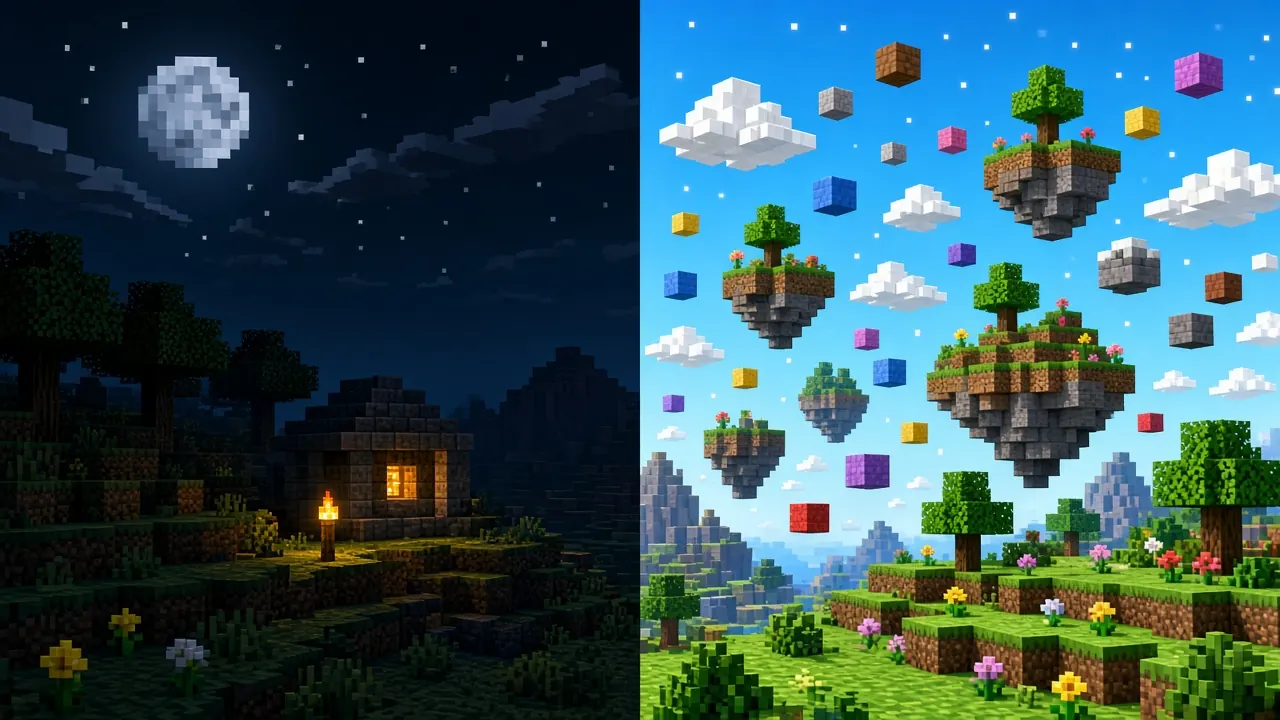
Bedrock add-ons often arrive as a single download, but Minecraft treats them as two different pack types under the hood. If you enable only a resource pack when a behavior pack is required, new mobs may look like broken textures, recipes may never unlock, and worlds can fail to load with vague “pack failed” messages. Learning the split saves hours of reinstalling files that were fine all along.
What resource packs change
Resource packs are client-side presentation layers. They can replace block and item textures, entity models and animations (where supported), sounds, music, particles, user interface skins, and language strings. They do not, by themselves, add new item IDs, change loot tables, or rewrite how a villager trades. Think of a resource pack as repainting the game you already have.
- Common uses: HD textures, themed UI, custom skies, sound overhauls, simple retextures that keep vanilla gameplay.
- Where they apply: Global Resources (menu-wide) or per-world under World settings → Resource Packs.
- Load order: Packs higher in the list override lower ones for the same asset.
What behavior packs change
Behavior packs hold gameplay data: entities, items, blocks (where custom blocks are defined), recipes, loot, spawn rules, trading, and many scripted features when creators use behavior components or script APIs. A behavior pack can make a custom sword deal new damage or add a mob that never existed in vanilla Bedrock, but players still need matching art and models from a resource pack to see it correctly.
- Common uses: new mobs and items, adventure maps with custom logic, economy tweaks, structure generation changes.
- Where they apply: Almost always per-world under Behavior Packs, not as a casual global toggle.
- Experiments: Some packs require world experiments (for example Beta APIs) before features activate.
How .mcaddon bundles fit in
A .mcaddon file is a zip-style bundle that can contain one or both pack types plus a manifest.
Importing it adds entries to your local pack library; it does not automatically wire them into every world.
After import, open the target world, enable the behavior pack first (if present), then stack the matching resource pack.
Mismatched pairs from different downloads are a frequent cause of invisible entities or purple-black checkerboard textures.
- Import the
.mcaddonor individual.mcpackfiles on a platform that allows sideloading. - Edit the world → Behavior Packs → activate the pack and move it to the active column.
- Still in world settings → Resource Packs → activate the companion resource pack.
- Enable any experiments listed in the creator’s readme, then load the world.
Step-by-step import paths differ by device; use our Windows add-on install guide or Android add-on install guide if the file never appears in the game.
Marketplace vs local packs
Marketplace content is also split internally, but the game often enables both halves for you when you apply a world template or mash-up.
For community files you sideload, you remain responsible for pairing behavior and resource sides and for version alignment.
Never assume a texture-only .mcpack will add gameplay features, and never skip the behavior half because “the icons looked fine in the folder.”
Tips for stacking multiple packs
- Enable one add-on at a time when debugging; add the next only after the world loads cleanly.
- Two behavior packs that both edit the same entity may conflict silentlyprefer packs that declare compatibility.
- Keep player-model and UI overhauls to one primary pack; duplicates cause invisible arms or broken hotbars.
- Back up the world before enabling heavy behavior changes; see our Bedrock world backup guide.
Frequently Asked Questions
The pack imported but nothing changed in-game.
Check both Global Resources and the world’s Resource/Behavior tabs. Global alone will not run behavior logic on an old survival world unless you also activate per-world packs.
I see new items in creative but they look like missing textures.
Enable the matching resource pack or re-import the full .mcaddon bundle from the same version.
World hangs on “Loading resource packs.”
Disable the last pack you added, verify your game version against the pack manifest, and test in a new creative world.
Conclusion
Resource packs change how Bedrock looks and sounds; behavior packs change what the world can do. Treat every add-on as a potential pair, confirm both sides are active, match versions, and test in a copy world before committing a long survival save. For deeper install checks, continue with addon compatibility and choosing compatible add-ons.