
Minecraft 26.52 Bedrock Edition Download & Update
Minecraft Bedrock 26.52 is out. It is a small hotfix. Still, it fixes real problems. Some iOS players could not launch the game. Some players lost cushions after a chunk reload. Marketplace worlds also lost achievements. So this update matters.
In this guide, you will learn how to download it, how to update it, and what it fixes. Also, you will find simple fixes for common errors. We checked every detail against the published Mojang changelog and the console patch notes. As a result, the facts below are clear and easy to trust.
Here is the short version:
- Version: 26.52 (build
1.26.52.3on mobile) - Release date: September 25, 2026
- Type: hotfix
- Fixes: 8
- New content: none
Minecraft Bedrock 26.52 Overview
First, let us look at the basics. This part tells you what this hotfix is and who needs it.
Version details
The version belongs to the Wilderness Bound update line. The big Wilderness Bound drop came earlier as version 26.50. After that, Mojang sent 26.51 and then 26.52 to fix bugs.
The mobile build number is 1.26.52.3. On Windows and Xbox, the build is listed as
1.26.5203.0. On consoles, the update shows up as 3.50 | 1.060. So look for these numbers
when you check your version.
Also, remember this simple rule. Big drops use round numbers, like 26.30 and 26.50. Hotfixes use the numbers in between, like 26.51 and 26.52.
Release date
Mojang released this build on September 25, 2026. That was only 10 days after Wilderness Bound arrived on September 15. In other words, the team moved fast.
Keep in mind that stores approve updates at different times. Because of this, your device may get it a day or two later.
System requirements
Minecraft Bedrock does not need a strong device. However, you still need to meet the basics. These are the commonly listed minimums:
- Android: Android 8 or later, with at least 1 GB of RAM
- iPhone and iPad: iOS or iPadOS 13 or later
- Windows: Windows 10 or 11, with at least 4 GB of RAM
Note that requirements can change. So always read the store page for your device before you buy or update. See also our system notes on the homepage and the compatibility guide.
Supported platforms
Bedrock Edition runs on many devices. Here is the list:
- Android
- iPhone and iPad
- Windows
- Xbox
- PlayStation
- Nintendo Switch
Also, cross-play works between these Bedrock platforms. However, it does not work with Java Edition. For edition differences, read Bedrock vs Java.
Update size
This is a hotfix. Therefore, the download is small compared to a big content drop. The exact size changes by device and store. So check the update screen on your device before you start. Also, keep a few hundred megabytes of free space. That way, the install will not stall.
Download Minecraft Bedrock 26.52
Download for all phones
| Options | File |
|---|---|
| Xbox+servers, no music | DOWNLOAD(370 MB) |
| Xbox+servers, +music | DOWNLOAD(703 MB) |
| armeabi-v7a. Xbox+servers, no music | DOWNLOAD(370 MB) |
| armeabi-v7a. Xbox+servers, +music | DOWNLOAD(703 MB) |
Android
On Android, Bedrock is a paid game on Google Play. Open Google Play, search for the title, and install it. If you already own it, just update it.
Windows
On Windows, get the game from the Microsoft Store or the official launcher. Then sign in with your Microsoft account. After that, pick Bedrock Edition and press Install. Your PC needs Windows 10 or 11.
iOS and iPadOS
Open the App Store and search for the title. Then tap Get or the price button. After the install, open the game and sign in. Note that some older devices may not be supported. So the App Store will tell you if your device can run it.
Xbox
Open the Microsoft Store on your Xbox. Search for the title and choose the Bedrock version. Then press Install. If you already own it, it will appear in your library.
PlayStation
Open the PlayStation Store and search for the title. Pick the Bedrock version and download it. If you bought it before, look in your game library and download it again.
Nintendo Switch
Open the Nintendo eShop and search for the title. Then buy or download it. For online play, you may also need a Nintendo Switch Online plan.
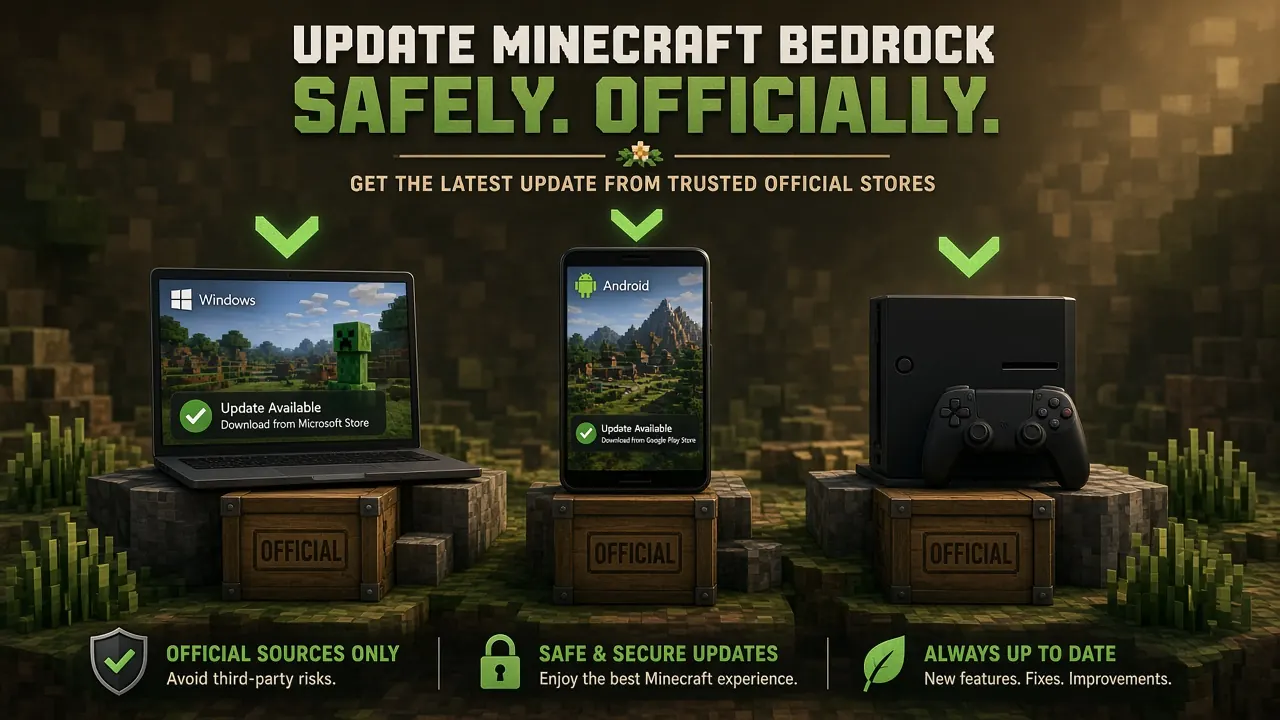
Where to download safely
Safety matters. Fake files can steal your account or damage your device. So follow these simple rules:
- Use official stores first
- Avoid files that promise free or unlimited items
- Check that the version number matches this hotfix
- Never share your account password
- Back up your worlds before you install anything
How to Update Minecraft Bedrock to Version 26.52
Already have the game? Then you only need to update. The steps are quick. Menus may look a little different on your device, but the idea is the same.
Update on Android
- Download from above.
- Uninstall previous version.
- Wait for the install to finish.
- Open the game and check the version.
Update on Windows
- Open the Microsoft Store.
- Go to your Library.
- Choose Get updates.
- Let the game update.
- Launch it from the official launcher.
Update on iPhone and iPad
- Open the App Store.
- Tap your profile picture.
- Scroll to the list of updates.
- Tap Update next to the game.
- Open it when it finishes.
Update on Xbox
- Highlight the game on your home screen.
- Press the Menu button.
- Choose Manage game and add-ons.
- Open Updates and install the latest one.
Update on PlayStation
- Highlight the game on your home screen.
- Press the Options button.
- Choose Check for Update.
- Install it and restart the game.
Update on Nintendo Switch
- Highlight the game on the home menu.
- Press the plus or minus button.
- Choose Software Update.
- Pick Via the Internet.
How to Check Your Current Minecraft Version
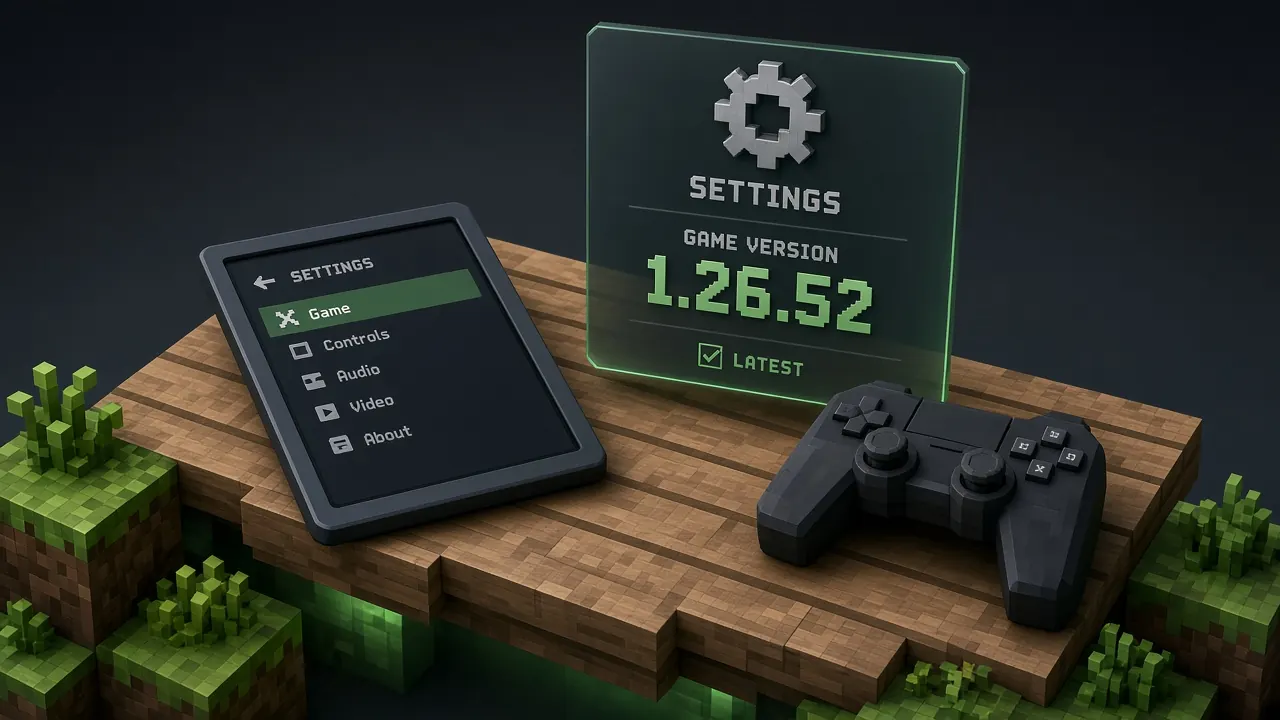
Checking your version takes seconds. Here is how:
- Open the game.
- Go to Settings.
- Scroll to the bottom of the list.
- Read the version number.
On mobile, you should see 1.26.52.3. On Windows and Xbox, you should see
1.26.5203.0. On consoles, look for update 3.50 | 1.060.
What's New in Minecraft Bedrock 26.52?
Here is the key point. This update adds no new content. Instead, it fixes eight bugs. Each one was reported by players. Below, we group them by type.
Gameplay improvements
Two fixes help your daily play.
Spectator Mode Projectile Collision Fix
Before this fix, projectiles could still hit players in Spectator Mode. That was odd. Spectators should watch, not take hits. Now arrows and other projectiles pass them by. This fix is tracked as MCPE-242446. As a result, spectators can watch fights up close without trouble.
Cushions No Longer Disappear After Chunk Reloads
Cushions came with the Wilderness Bound drop. However, they could vanish when a chunk reloaded. That meant players lost their decor after leaving and returning. Now cushions in unloaded chunks stay in place. This fix is tracked as MCPE-241970.
Graphics and visual fixes
Two fixes clean up how the game looks.
Invisible Inventory Items Fixed
Some inventory items looked invisible. This happened in one setup only. You needed a non-default Display Brightness and anti-aliasing set to 1. Now those items show up as normal. The bug is tracked as MCPE-241108.
Cube-Map Array Texture Detection Improved
Older Windows graphics hardware had a detection problem. The game did not read cube-map array texture support the right way. Mojang corrected it. So older Windows PCs should handle graphics better now.
Add-on and achievement fixes
This fix matters to anyone who cares about achievements.
Marketplace Add-Ons and World Achievements
In 26.50, older worlds with Marketplace add-ons turned off achievements. That was frustrating. Players could not earn progress in worlds they already loved. This hotfix restores that. Achievements now work again in those worlds. The bug is tracked as MCPE-242586.
Stability and performance
Two fixes make the game steadier.
Nintendo Switch Network Stability
Mojang improved stability for Switch consoles that are connected to a network. Therefore, online sessions should feel smoother.
iOS Launch Issues Fixed
Some iOS devices could not start the game at all. That is now fixed. This issue is tracked as MCPE-242503. Note that the fix covers some devices, not every device.
User interface improvements
One small change helps new players.
Multiplayer World Loading During Character Creator Setup
On first use, the game now starts the chosen multiplayer world while your Character Creator look is still loading. So new players wait less before they join friends.
Minecraft Bedrock 26.52 vs. Previous Versions
How does this hotfix compare with the versions before it? Let us see.
Versus 26.51
26.51 was also a hotfix. It arrived on September 15 or 16, right after the big drop. This later build covers more fixes. Both are small. However, you get the newest set of repairs for that wave. So if you are still on 26.51, update.
Versus 26.50
26.50 is the big Wilderness Bound drop. It released on September 15, 2026. It added:
- The Dappled Forest biome
- Poplar trees
- Abandoned Camps in 18 biomes
- Straw Beds
- Cushions
- Stairs and slabs in all 16 colors of wool and concrete
By contrast, this hotfix adds none of these. It only fixes bugs. So think of 26.50 as the content and this build as the cleanup. Also see the newer 26.70 series and the versions overview.
Should You Update to Minecraft 26.52?
Yes, in most cases. Here is why:
- It is small
- It fixes real bugs
- It restores achievements in Marketplace worlds
- It protects your cushions
- It keeps you in sync for multiplayer
However, if your worlds are very important, make a backup first. That is a good habit with any update. See how to back up a Bedrock world.
How to Install Minecraft Bedrock 26.52
Installing is simple. Still, a few steps will save you trouble.
Install on Android
First, update from Google Play. This is the easiest and safest way. Open the game and sign in when it finishes. We recommend the Play Store only not third-party installers.
Install on Windows
Open the Microsoft Store or the official launcher. Next, choose Bedrock Edition. Then install or update. After that, start the game and check the version.
Install on other supported devices
On iPhone, iPad, Xbox, PlayStation, and Switch, use the store or the update menu. The system does the rest. Also, keep the device plugged in or well charged during the install.
How to Back Up Minecraft Worlds Before Updating
A backup protects your hard work. Here is a simple way to do it:
- Open the game and go to Play.
- Find your world and tap the edit icon.
- Scroll down and choose Export World.
- Save the file in a safe place.
Also, you can copy the minecraftWorlds folder on Windows. Then store it on a drive or in the cloud.
Full walkthrough: Bedrock world backup guide.
How to Verify the Minecraft 26.52 Installation
After the install, confirm it worked:
- Open Settings and read the version number.
- Load one of your worlds.
- Check that your items appear.
- Try a short multiplayer session.
If everything looks right, you are done.
Minecraft 26.52 Download and Update Problems
Sometimes things go wrong. Luckily, most problems have simple fixes. Note that we did not find a list of widespread new bugs in this build. So the tips below are general and safe to try. More patterns live in our troubleshooting tool.
Update not showing
Stores approve updates at different times. Because of this, your update may not show yet. Try these steps:
- Refresh the store page.
- Restart your device.
- Check your internet.
- Wait a few hours and try again.
Download stuck or failed
A slow network is the usual cause. So switch to a stronger Wi‑Fi network. Then pause the download and start it again. In addition, free up some storage. If it still fails, restart the device.
Crashing on startup
Startup crashes can have many causes. The one launch fix in this update is for some iOS devices, tracked as MCPE-242503. So first, make sure you installed the hotfix. Next, restart your device. Then clear space and try again. If it still crashes, reinstall the game after you back up your worlds.
Not compatible with your device
This error means your device does not meet the basics. Check your operating system version. Then compare it with the minimums above. If your device is too old, you may need to stay on an older version or upgrade.
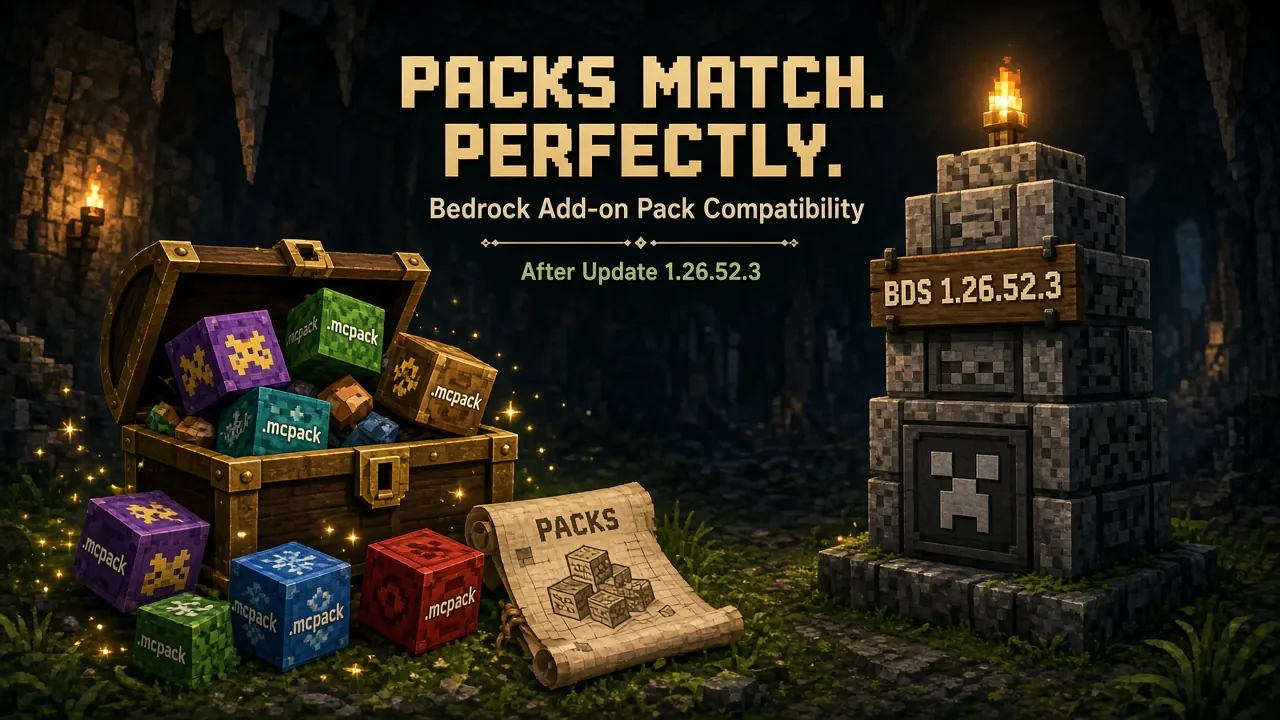
Multiplayer and server compatibility
Multiplayer works best when everyone uses the same version. So ask your friends to update too. Also, server owners
should update their servers to match for self-hosting, see
Bedrock Dedicated Server package 1.26.52.3. Remember that
Bedrock cross-play does not include Java Edition.
How to fix update errors
Try this order. It solves most cases:
- Restart the device.
- Check your internet.
- Free up storage.
- Sign out and sign back in.
- Update the store app itself.
- Reinstall the game after a backup.
Frequently Asked Questions
What is Minecraft Bedrock 26.52?
It is a hotfix for Minecraft Bedrock Edition. It fixes eight bugs from the Wilderness Bound update line (after 26.50 / 26.51).
Is Minecraft 26.52 the latest Bedrock version?
26.52 was the newest hotfix in that wave after September 25, 2026. Stores may already show a newer label (our dataset also tracks later series such as 26.70). Always confirm the live string in Settings and on your store page.
When was Minecraft Bedrock 26.52 released?
It was released on September 25, 2026. Platform stores may finish approval a day or two later.
Is Minecraft Bedrock 26.52 available for Android?
Yes. The Android build is listed as 1.26.52.3. Update from Google Play via our official download page.
Can I update Minecraft 26.51 to 26.52?
Yes. It is a normal store update. Your worlds stay in place, but a backup is still wise.
Does Minecraft 26.52 include new features?
No. It is a bug-fix update only. It adds no new blocks, mobs, or biomes.
Does Minecraft 26.52 fix Marketplace achievement issues?
Yes. Older worlds with Marketplace add-ons no longer lose achievements because of the 26.50-era bug (MCPE-242586).
Is Minecraft 26.52 compatible with older devices?
Mostly. Commonly listed minimums are Android 8+ and iOS/iPadOS 13+. Always read your store page some older phones and tablets may not be supported.
Can I play multiplayer with Minecraft 26.52?
Yes. Cross-play works across Bedrock platforms. Everyone should use the same version for the smoothest play. Bedrock does not cross-play with Java without a bridge like Geyser.
How can I check my Minecraft Bedrock version?
Open Settings and scroll to the bottom. On mobile look for 1.26.52.3; on Windows/Xbox 1.26.5203.0; on consoles often 3.50 | 1.060.
Conclusion
This hotfix is small, but it is useful. It fixes eight bugs. It brings back achievements in older Marketplace worlds. It keeps your cushions in place. It also helps iOS and Switch players.
So here is what to do next. First, back up your worlds. Then update from your official store. After that, check your version number. Finally, enjoy a smoother game.
We will keep this guide fresh. If a newer version comes out, check your store, our versions page, and the newest patch notes.